Team access
Choose which people, teams, or roles can reserve each room.
For shared offices
Show members the rooms and times they can use, while your team keeps access, fair-use limits, and reservations in one place.

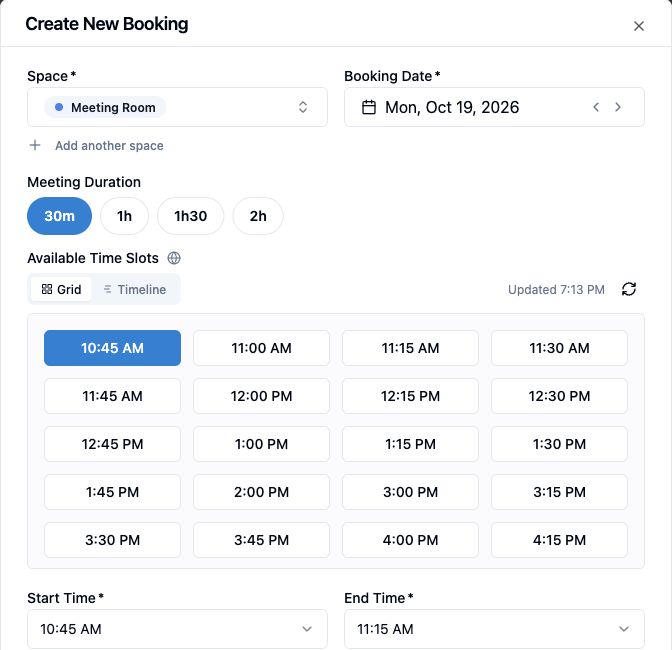
Booking
Room details, duration options, and current availability sit in the same flow. The member books an eligible slot; the reservation appears in the shared calendar.
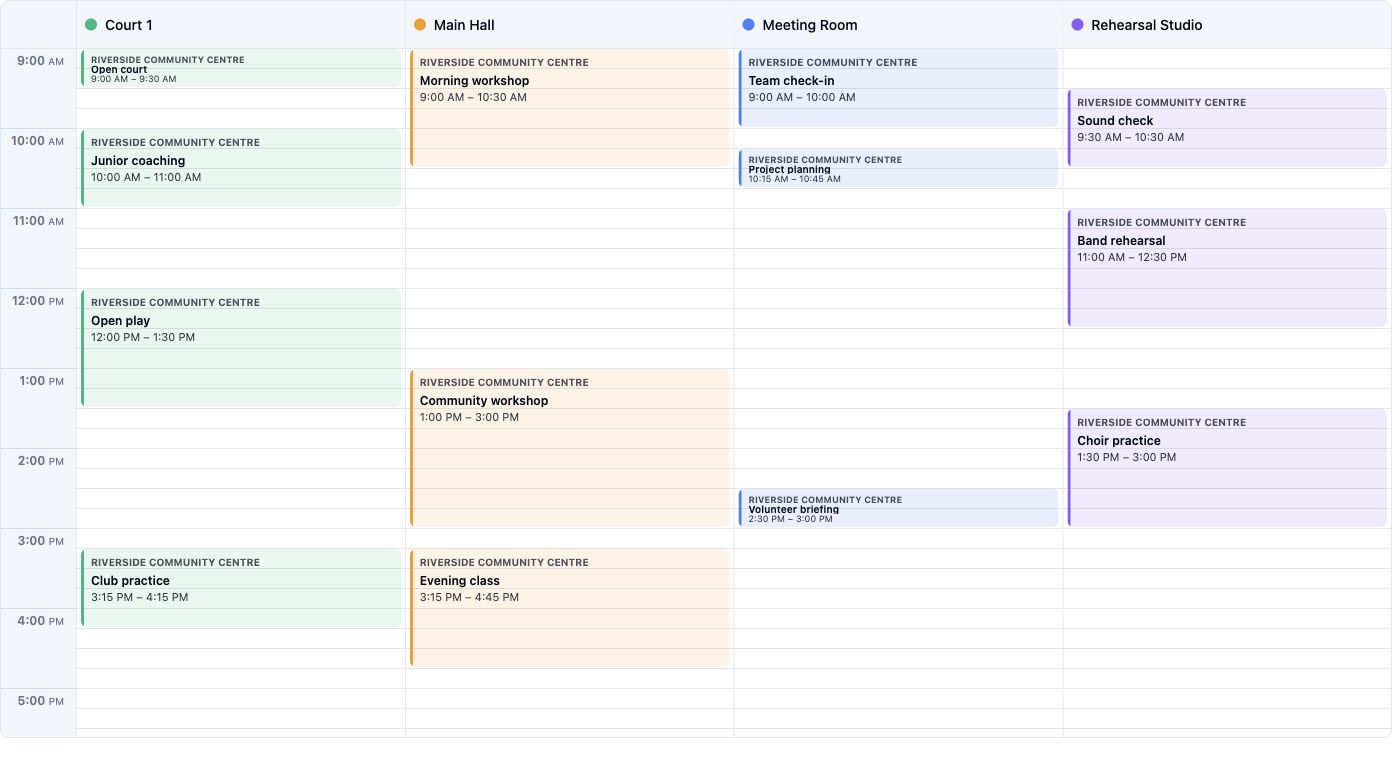
Room details
A meeting room can show its capacity, equipment, and opening hours in one place. Members can choose a suitable room before opening the availability view.
Explore space setup
Rules
This real rule limits Meeting Room bookings to 60 minutes. Choose who can use each room, when it opens, and which fair-use limits apply so members see the right availability.
Explore rules and access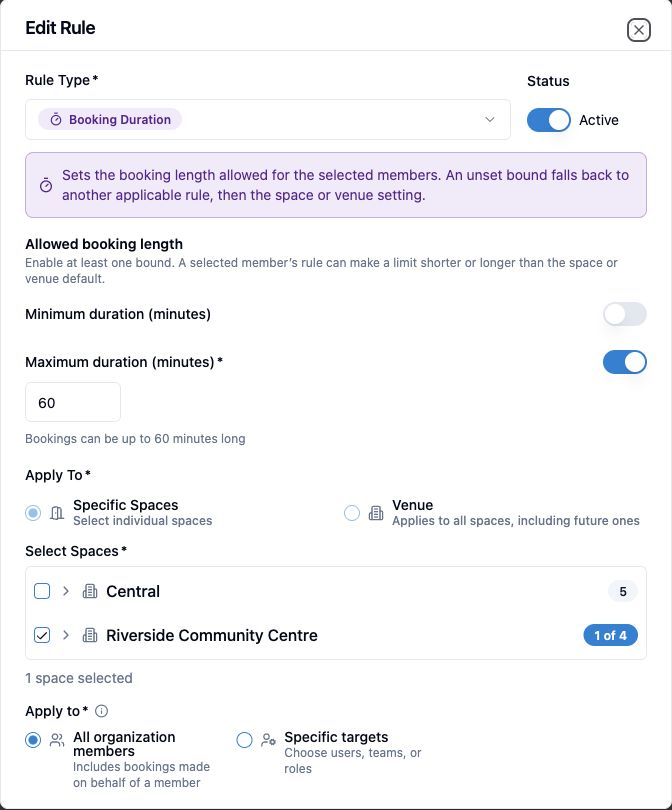
Choose which people, teams, or roles can reserve each room.
Reflect the times a meeting room can actually be used.
Set duration and per-user limits for shared rooms.
Keep cleaning or private use off the available schedule.
Insights
Follow bookings and active users over a selected period before changing how meeting rooms are allocated. The product view uses Community Hub example data.
Explore usage insights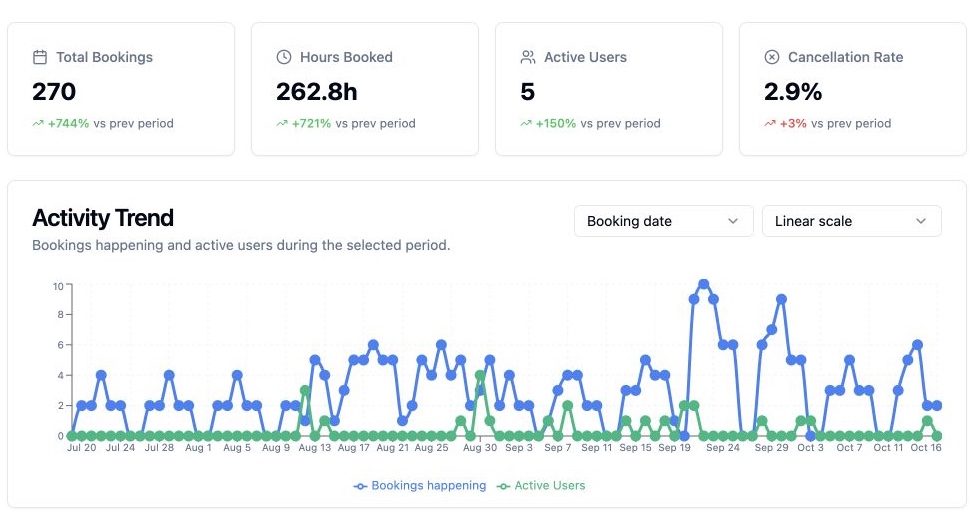
FAQ
Plan availability and venue setup determine which booking and payment options are available. Compare plans
Spacebook can target booking access and limits to people, teams, and roles.
Recurring reservations are supported where the venue allows them, with conflicts checked against other bookings.
Spacebook organizes bookable spaces within workspaces or venues. The number available depends on the selected plan.

Give members a clear booking path and your team a reliable view of the schedule.