Access
Choose eligible people, teams, or roles.
Shared-space booking and management
See how Spacebook connects available times, venue rules, member and guest bookings, space setup, and usage reporting.
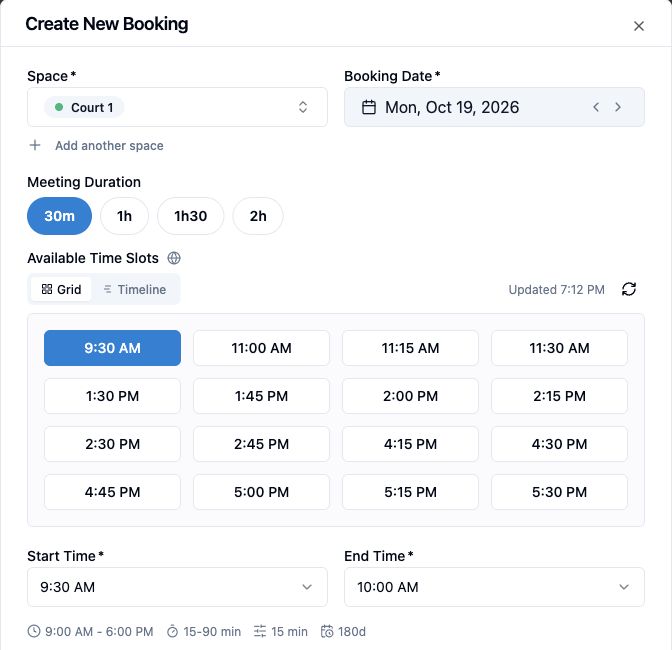
01 / Find a time
People choose a space, date, and duration. Spacebook shows eligible start times and checks for conflicts before a reservation reaches the shared calendar.
02 / Set the rules
Choose who can book, when spaces open, and how long reservations can last. Those rules guide what people see when they look for a time.
See access rules in a shared office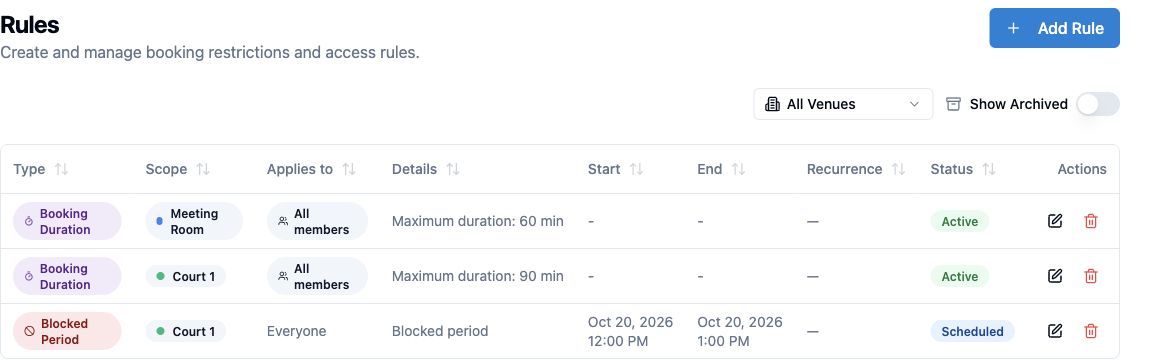
Choose eligible people, teams, or roles.
Set opening hours and date exceptions.
Set duration, buffers, and per-user limits.
Apply editing and cancellation deadlines.
03 / Welcome bookers
Members reserve spaces under their venue's rules. Where public booking is enabled, visitors can book eligible spaces through a shareable page. Your team sees their reservations together.
See member and visitor booking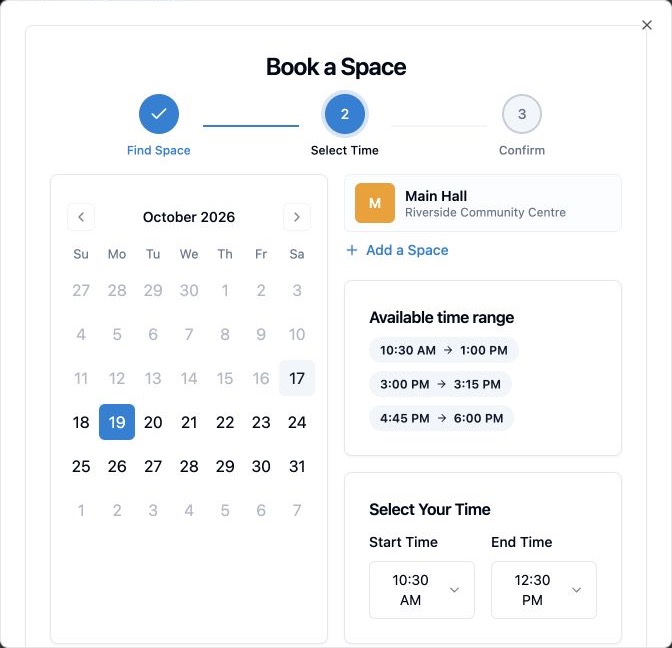
Invite regular users, choose their spaces, and apply booking limits.
Share or embed a booking page, collect guest details, and send confirmations where public booking is enabled.
Set a room price and adjust it for the day, time, duration, or audience. Eligible guests review their total before choosing an enabled payment method.
Online Stripe payment and pay-at-venue options depend on plan and venue setup.
Compare paid-booking plan access04 / Organize spaces
Keep locations, bookable spaces, and the people who use them under one organization. Give each space the booking setup that fits its physical layout.
Try booking a parent space and its zones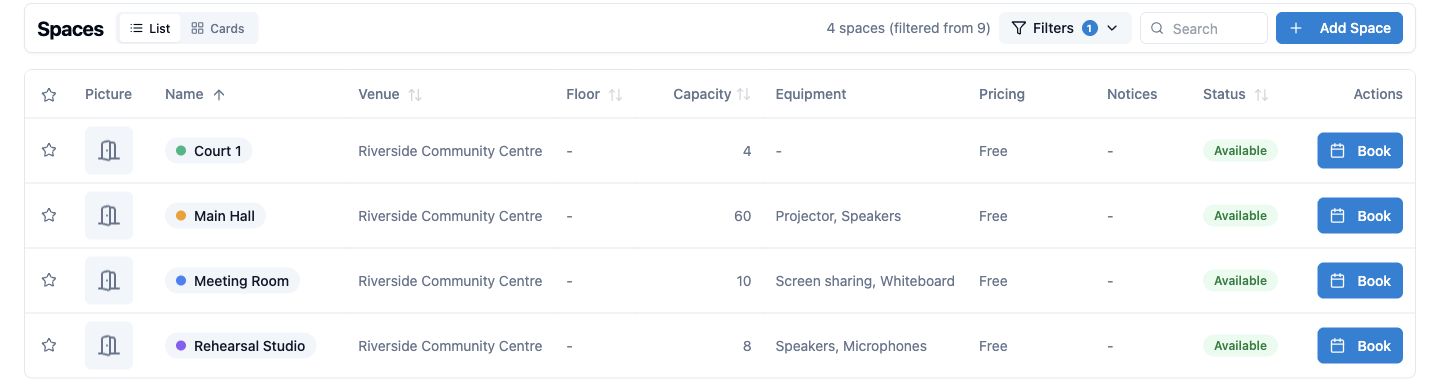
Model a room, court, or hall as a parent space with bookable zones. Booking one zone leaves other zones available while blocking the parent space at the same time.
Try the choices to see how availability changes. This illustration does not create a booking.
Select a space to book it. Select it again to release it.
Available controls depend on your plan and venue configuration.
Use your venue's logo, display name, and primary color where enabled.
Collect needed information with default fields and custom questions.
Show room status on a dedicated display and adjust booking cards.
05 / Understand usage
Review booking activity, booked hours, and usage patterns over a selected date range. See when demand concentrates before changing your schedule.
See usage insights for community spaces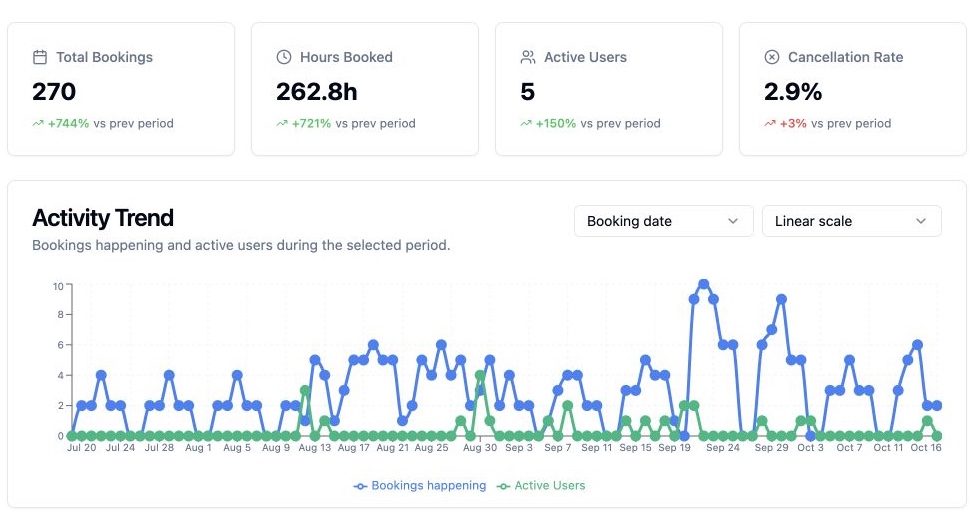
FAQ
Availability depends on the spaces, rules, and plan your organization sets up. Compare plans
Where public booking is enabled, eligible visitors can reserve through a shareable link or embedded booking page.
Spacebook organizes workspaces and rooms under one organization. The number you can create depends on the selected plan.
Yes. Opening hours, access, booking limits, and related policies can be set for the spaces and audiences that need them.

Set up bookable spaces, decide who can reserve them, and keep the schedule in view.